A successful exhibition booth needs to do more than look impressive. It must communicate what a business offers, help visitors understand its products, and make it easy for potential customers to start a conversation. The challenge is achieving all three within a limited space, a short event schedule, and a budget that must cover more than the stand itself.
Well-planned exhibition display solutions bring together booth structures, product presentation, graphics, lighting, signage, and digital content. Each element should serve a clear purpose: attracting attention from the aisle, explaining a product, demonstrating an application, or supporting a sales discussion.
Digital displays have added another option to this mix. From compact LCD screens beside individual products to larger displays used for brand messaging, they can help exhibitors present information that would be difficult to communicate through static graphics alone. However, screens are most effective when they complement the physical layout rather than compete with it.
This guide explains how to select exhibition displays, plan visitor flow, use digital signage for trade shows, and adapt your setup to different industries and booth sizes.
Start with the primary exhibition objective
Different objectives call for different display priorities
If the goal is brand awareness, use clear branding, a concise value proposition, and visuals that quickly communicate the company's market position. Visitors passing the booth should be able to identify what the business does without stopping to read detailed information.
If the goal is product discovery, prioritize physical samples, product-category signage, and concise explanations of key features or applications. Digital content can show products in use when a live demonstration is impractical.
If the goal is distributor or integrator recruitment, make the commercial proposition easy to find. Information about product ranges, target applications, customization options, or partnership opportunities may be more relevant than a wall of general brand messaging.
For technical sales, allow enough space for product comparisons, diagrams, specifications, and one-to-one conversations. Visitors evaluating industrial equipment or technology solutions often need more than a brief visual introduction before they can judge whether a product fits their requirements.
A useful planning question is: What should a qualified visitor understand or do after spending two minutes at this booth? The answer helps determine which messages deserve the most visible positions.
Match the display system to the booth size
The physical space sets practical limits on the number and type of displays you can use.
A small booth usually benefits from a focused arrangement: one strong brand message, a carefully selected group of products, and concise supporting information. Too many counters, stands, and screens can reduce the usable floor area and make the booth feel difficult to enter.
A medium-sized booth can separate product presentation from consultation. Different sections might represent product categories, applications, or stages of a solution, provided that visitors can recognize the purpose of each area.
A large island booth has more opportunities for multiple entrances and specialized demonstration zones. Yet additional space does not automatically justify more displays. Each screen or graphic should have a defined audience, viewing position, and message.
Also consider the height and depth of display equipment. A desktop LCD screen may be suitable beside a product sample, while a wall-mounted screen can use vertical space without occupying another counter. Suspended displays can help make information visible from different approaches, subject to the venue's rigging rules and installation requirements.
Keep the message consistent across every display
A booth often uses several formats at once: a main backdrop, product labels, brochures, LCD screens, and presentation materials. If each element uses different terminology or promotes a different benefit, the overall message becomes confusing.
Create a simple message hierarchy before designing the assets:
Company level: What does the business provide, and for whom?
Product or solution level: What is being presented in this area?
Supporting level: Which feature, application, or benefit should visitors understand?
Next step: How can an interested visitor learn more or speak to the team?
This hierarchy keeps exhibition displays focused. It also makes it easier to decide which information belongs on the main booth graphics, which should sit beside a product, and which can be provided through a brochure, website, or QR code.
How Digital Signage Solutions Improve Exhibition Displays
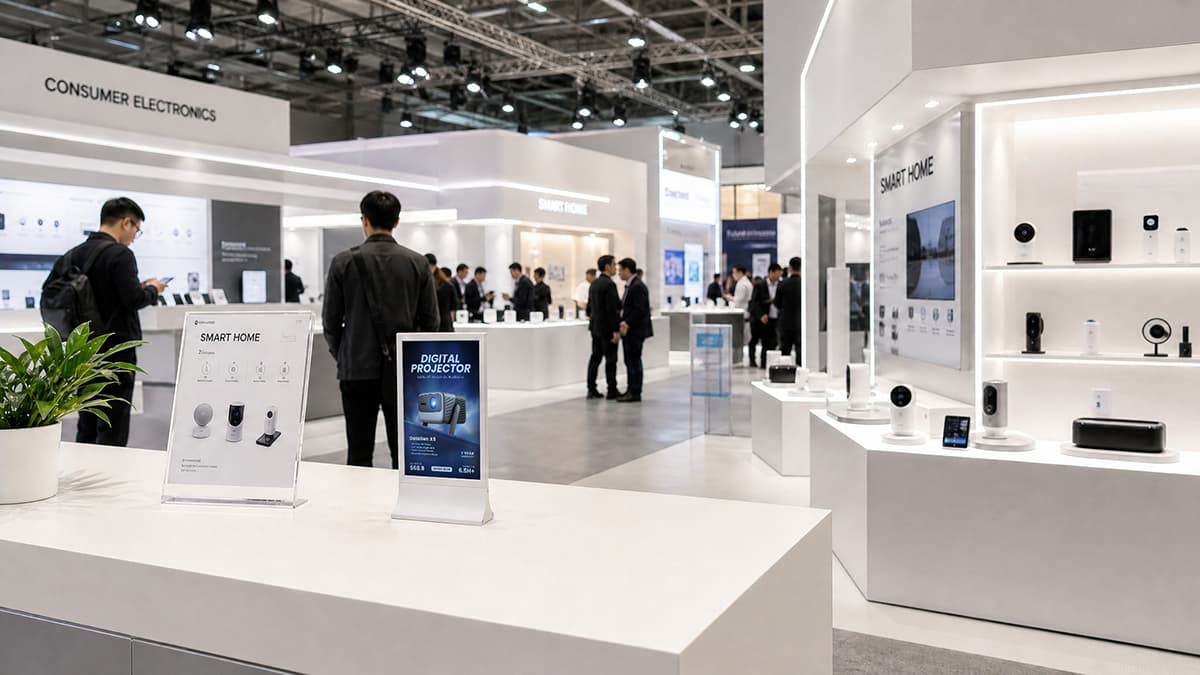
Digital signage gives exhibitors a flexible way to explain products and applications within a limited physical space. Instead of relying entirely on printed panels or brochures, businesses can use LCD screens to present product videos, installation examples, feature highlights, and content tailored to different visitor groups.
The value comes from choosing the right role for each screen. A display that repeats the booth's main headline may add little if the same message is already prominent on the backdrop. A screen that answers a specific product question, however, can make the presentation more useful.
Present products in context
Some products are difficult to demonstrate fully at an exhibition. They may be too large to transport, require a working environment, or form part of a wider system. Digital content can show how they are installed, operated, or used in a customer's workflow.
For example, a manufacturer exhibiting industrial components could display a short application video beside the relevant sample. A lighting supplier could show the same fixture in different interior settings. A technology provider could use a screen to explain how several devices work together.
The physical product remains important where visitors need to inspect its size, materials, connections, or construction. Digital content adds context; it should not replace a hands-on product sample when direct inspection is central to the buying decision.
Update information without rebuilding the booth
Exhibition requirements can change between events. A company may promote different product ranges at different shows, localize its messaging for another market, or introduce a new model after the booth structure has already been prepared.
Digital content can be updated to reflect these changes, provided the display hardware and content management setup support the required workflow. This is especially useful for companies that attend several exhibitions and want to maintain a consistent booth design while adapting the products and messages presented.
However, digital updates still require preparation. Confirm the correct file formats, screen orientation, resolution, playback method, and network requirements before the event. Do not assume that a venue's internet connection will be available or reliable enough for every application. If the presentation must run continuously, test the playback process in advance and prepare a local backup where possible.
Make each screen part of the visitor journey
Well-planned digital signage solutions support the booth's overall information hierarchy. A screen near the aisle can introduce a product category through a short, visually clear sequence. A display beside a sample can explain its features or applications. Another screen in a consultation area might support a detailed sales conversation.
For compact booths, a small number of strategically positioned displays may be more useful than multiple screens showing similar content. The right quantity depends on booth dimensions, viewing distance, product count, and how visitors are expected to move through the space.
Content also needs to suit the setting. Trade show visitors may be walking, talking, or dividing their attention between several exhibitors. Keep the main message brief, use high-contrast visuals, and allow enough time for each item to be understood. Digital signage guidance recommends concise messages and testing designs under real viewing conditions rather than relying on how they look on a computer monitor.
How to Use Small LCD Digital Signage at Trade Shows
Large-format displays are not necessary for every exhibition task. Compact LCD screens can be useful when the information relates to an individual product, a small display area, or a specific section of a booth. Their purpose is different from that of a large backdrop: they help explain what visitors are looking at once they have approached the product.

Desktop LCD displays: information beside the product
A desktop display can sit on a counter, demonstration table, or product stand. This makes it suitable for presenting product names, key features, application images, short videos, and relevant supporting information.
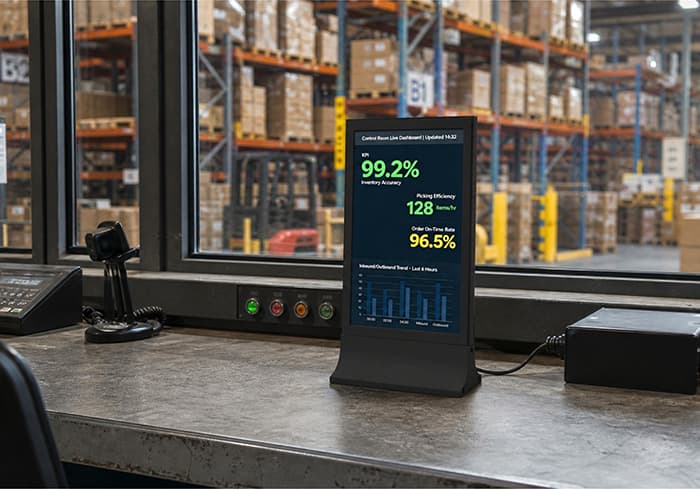
Consider a booth displaying several barcode scanners or industrial devices. Rather than placing every specification on a single wall, an exhibitor can use a compact screen beside each product group to show a short introduction or an application example. Staff can then use the same content as a starting point for a conversation.
The display should not take up more counter space than the information warrants. Leave room for product samples, brochures, and visitors' hands where physical demonstrations are involved.
Wall-mounted LCD displays: make use of vertical space
Wall-mounted displays can present supporting content without occupying an additional table or counter. They work well when the booth has a defined product area, a demonstration wall, or a limited floor footprint.
Placement is critical. A screen mounted too high may be visible but difficult to read at close range; one placed behind a product or decorative structure may be partly obscured. Check viewing angles and reflections from overhead lighting before confirming the installation.
Wall-mounted displays are particularly useful when the content belongs to a specific category or application area. Keep the connection between the screen and the products below it obvious so visitors do not have to guess what the information refers to.
Suspended LCD displays: use overhead positions carefully
Suspended displays can make use of overhead space and help organize information across a booth. They may be appropriate when exhibitors need to present product categories or supporting visuals above counters, shelves, or display areas.
Before choosing this format, check the exhibition venue's rules for suspended equipment, including approved rigging points, permitted loads, installation deadlines, and contractor requirements. The screen's position should make the content visible without creating a safety issue or interfering with lighting, signage, or other booth structures.
A suspended screen is not automatically a substitute for prominent aisle-facing signage. Its effectiveness depends on the height, viewing angle, surrounding structures, and the distance from which visitors are expected to read the content.
What should a small exhibition screen show?
Compact displays are most useful when each screen has one clear job. A practical content layout might include:
A product image or short demonstration video.
A concise product name or category.
Two or three meaningful benefits or application points.
A relevant QR code or short URL for visitors who want more detail.
Avoid placing an entire product catalogue or a dense technical datasheet on a small screen. Visitors should be able to understand the main message quickly; detailed information can be provided through a brochure, product page, or conversation with the sales team.
For video, make sure the key message remains understandable without sound. Many exhibition halls are noisy, and audio may be restricted or unsuitable for a shared booth. Captions can make spoken information easier to follow, while clear product visuals help viewers who only glance at the screen.
The core principle behind digital signage for trade shows is relevance. A compact display works best when it helps visitors understand the product in front of them, rather than competing with the booth's main branding or attempting to deliver every piece of information at once.
How to Select the Right Digital Display for an Exhibition
Screen selection should begin with the content and viewing conditions, not simply the largest size that fits the budget. A display that works well on a product counter may be unsuitable for a message intended to be seen across an aisle.
Screen size and viewing distance
Think about where visitors will stand and how long they are likely to look at the content. Close-range product information can be presented on a compact display if the text is readable and the layout is uncluttered. Messages intended to attract passers-by need larger visuals and fewer words.
Mock up the content at the intended screen size before the event. View it from realistic distances and angles, rather than judging legibility only on a laptop. Pay particular attention to product names, specifications, subtitles, and QR codes.
Mounting and available space
Choose a desktop, wall-mounted, or suspended format according to the booth layout and the role of the display. Check the required mounting accessories, cable routing, power access, and space around the screen.
Do not place equipment where it narrows a walkway or blocks access to a product. For suspended or wall-mounted installations, confirm the mounting method and venue requirements well before arrival.
Content playback and connectivity
Identify how the display will receive and play content. Depending on the equipment, the setup may rely on local files, a connected computer, an application, a content management platform, or a network connection.
For a short exhibition, simplicity is often valuable. Test the complete sequence—including startup, playback, content changes, and recovery after a power interruption—before shipping the equipment. If network access is required, confirm whether the venue offers suitable connectivity and whether access credentials or configuration steps are needed.
Reliability and service planning
Exhibition equipment may need to operate for long days in a busy environment. Confirm the power arrangement, ventilation requirements, cable security, and access to technical support. Carry essential adapters and a backup copy of the presentation files where appropriate.
Finally, check the manufacturer's specifications for the exact model being considered. Screen dimensions, orientation support, connectivity, playback options, and mounting compatibility vary by product. Do not assume that every display supports the same features simply because the screens look similar.
Exhibition Display Solutions for Different Industries
The most useful exhibition displays reflect how visitors evaluate products in a particular industry. The same layout may not work equally well for a consumer product, a piece of industrial equipment, and a premium material sample.
Consumer electronics and technology: Combine physical product samples with concise feature highlights, product videos, and application examples. Organize displays by product category so buyers can compare options without navigating a crowded booth.
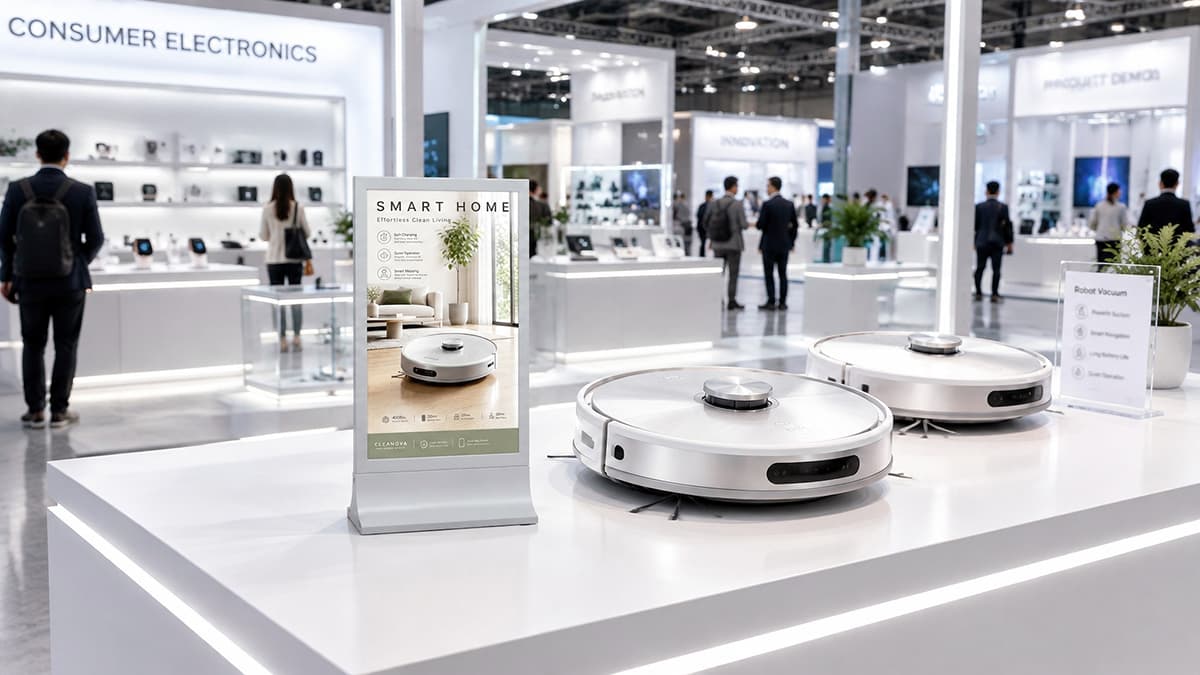
Automotive and premium products: Use clean visual layouts, controlled lighting, and high-quality product imagery. Digital screens can present design details, product configurations, or application videos while preserving the physical product as the main focus.

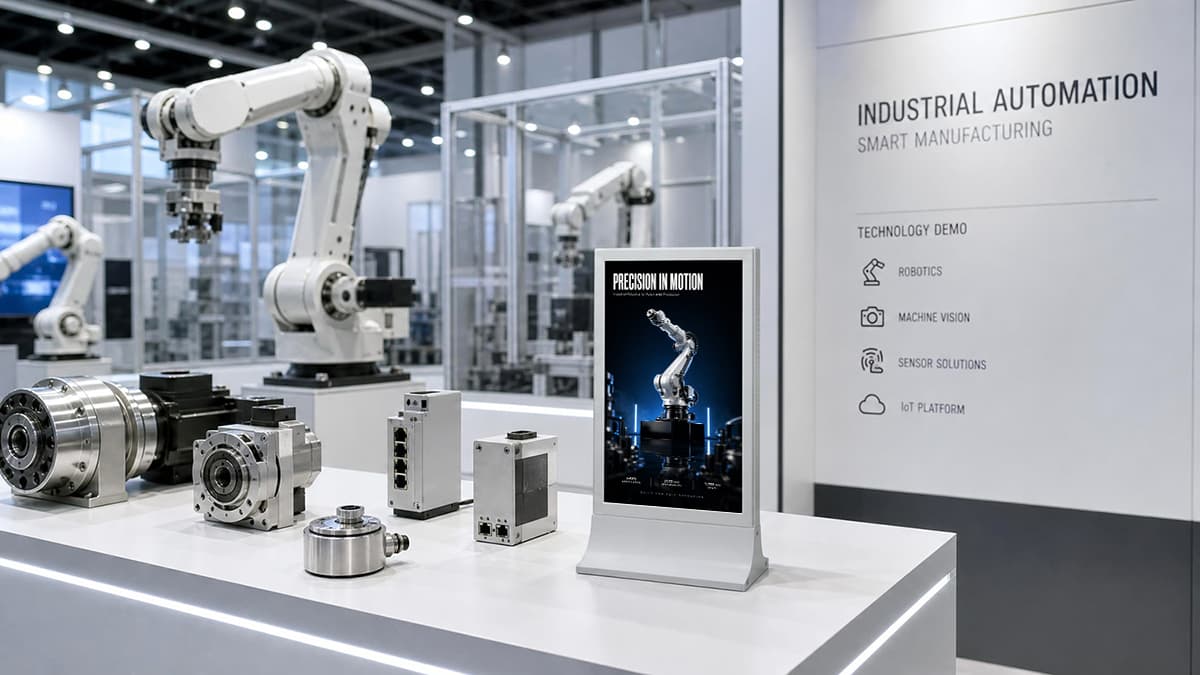
Industrial automation and manufacturing: Prioritize clear product identification, technical information, system diagrams, and real-world application footage. Keep complex specifications available for close inspection or follow-up rather than placing too much text on the main booth graphics.
Jewelry, lighting, and building materials: Give samples enough space to be examined properly. Screens can show products in different settings, demonstrate variations, or explain finishes and applications that cannot all be displayed physically.

For exhibitors serving several markets, modular structures and adaptable digital content can help maintain a consistent brand presentation across different events. The display mix should still be adjusted to the products, audience, and available space at each exhibition.
A Practical Budget and Planning Checklist
A realistic budget should cover the complete exhibition setup, not just the stand's appearance. Include the following categories when comparing exhibition display solutions:
Stand structure, fabrication, and printed graphics.
Product stands, counters, lighting, and furniture.
Digital screens, mounting accessories, cables, and playback equipment.
Content production, localization, and product photography.
Packing, shipping, installation, dismantling, and storage.
Power, network access, technical support, and contingency costs.
Before approving the design, confirm the booth dimensions and venue regulations. Check whether hanging equipment requires prior approval, whether installation must be completed by an appointed contractor, and whether the available power supply meets the equipment requirements.
Prepare the content early enough to test it on the actual display hardware. Verify spelling, product names, video playback, screen orientation, QR codes, and any links visitors may use after the event.
A few common mistakes are worth avoiding: overcrowding the booth with products, using text that is too small to read, relying on venue internet without a backup plan, and adding screens without assigning each one a clear purpose.
How Datallen LCD Digital Signage Fits Into Exhibition Displays
Datallen, a SUNLUX sub-brand, offers compact LCD digital signage formats for businesses that need to present product information within exhibition booths, showrooms, and product demonstration areas. Its range includes 10.1-inch desktop, wall-mounted, and suspended displays, as well as 15.6-inch desktop and suspended models. Depending on the booth layout, these screens can support product introductions, application videos, and concise feature highlights without requiring every message to be printed on a separate panel. The most suitable model depends on the available space, viewing distance, mounting requirements, and planned content. Explore the Datallen digital signage range to review options for your next exhibition setup.
FAQ About Exhibition Display Solutions
What Are the Most Effective Exhibition Display Solutions for a Small Booth?
For a small booth, prioritize one clear brand message, a focused product selection, and simple signage. Use vertical space where practical, keep the entrance open, and consider a compact digital display for product information or application videos. Every element should serve a specific purpose rather than compete for attention.
What Is the Difference Between Exhibition Displays and Exhibition Signage?
Exhibition displays include a wider range of structures and equipment used to present a company or its products, such as counters, product stands, graphics, and digital screens. Exhibition signage refers more specifically to information and messaging elements, including brand signs, category labels, directions, and product descriptions. Signage is one component of an overall display plan.
Is Digital Signage Worth Using at Trade Shows?
Digital signage can be worthwhile when moving images, product demonstrations, or frequently updated information help explain the offer. It is particularly useful for products with complex applications or multiple configurations. However, it adds value only when the content is relevant, readable, and positioned appropriately.
What Size Digital Display Is Best for an Exhibition Booth?
There is no single ideal size. Compact screens are suitable for close-range product information, while larger displays are generally more appropriate for content intended to attract attention from farther away. Choose according to the viewing distance, booth dimensions, mounting position, and amount of information shown. Test the content at the intended size before the event.
Can Small LCD Displays Be Used for Product Demonstrations at Exhibitions?
Yes. Small LCD displays can present short videos, product features, application examples, and supporting visuals beside a physical product. They are most effective when the screen explains something that visitors cannot immediately understand from looking at the product alone. For detailed demonstrations, allow space for staff to answer questions and show the product where possible.
How Can Exhibition Displays Be Reused for Multiple Trade Shows?
Use modular structures, reusable display hardware, and replaceable graphics where appropriate. Keep digital content organized so product information can be adapted for different events and markets. Before reusing equipment, check that it fits the new booth dimensions, meets venue requirements, and remains compatible with the planned content and mounting arrangements.
What Should You Check Before Installing Digital Signage at an Exhibition?
Confirm the screen's mounting method, power supply, cable routing, content format, and playback process. Check the venue's installation rules, especially for suspended equipment. Test readability, screen orientation, video playback, and QR codes in advance. If the content depends on a network connection, verify access and prepare a backup plan.
Conclusion
Effective exhibition display solutions start with a clear objective and a practical understanding of visitor behaviour. Choose displays according to the products, space, audience, and budget—not simply their visual impact. When each element has a defined role, even a compact booth can present a business clearly and professionally.
For more insights, check out:
1. Strategic Placement of Digital Signage Solutions in Furniture Showrooms: From Entrance to Checkout
2. LCD Display Signage for Gaming Cafes: How Digital Screens Transform Player Experience & Drive Re
3. From Waiting Rooms to Bedside: How Digital Screens Are Reshaping the Smart Hospital Experience
4. Digital Door Sign Guide: Why LCD Digital Signage Is the Smart Choice for Modern Spaces
5. Top 10 Digital Signage Manufacturers to Consider in 2026 And How to Choose